Meal planning is one of those problems that sounds mundane until you're living it. The question "what are we having for dinner?" sounds simple. In practice, it collides with dietary restrictions, a toddler who only eats beige foods, a teenager who announced they're vegetarian on a Tuesday, and two parents who are trying to plan a week's worth of groceries between 8 p.m. and 8:45 p.m.
When we set out to build Hearth's meal planning feature, we knew we weren't designing a recipe app. We were designing a coordination tool — one that had to work for real families with real chaos. Here's the inside story of how we got there.
The Problem We Actually Needed to Solve
Early in development, our team interviewed 40 families about their meal planning habits. What we found surprised us. Almost every family had some system — a whiteboard, a shared notes app, a mental list one parent held in their head. The problem wasn't that families didn't plan. The problem was that plans lived in one person's head and never made it to the shared surface where everyone could see and act on them.
Dad planned chicken tacos for Tuesday. Mom bought pasta ingredients on Monday evening because she didn't know. The kids were asked at 5:30 p.m. what they wanted for dinner, which reopened a negotiation that should have been closed the weekend before.
Our insight was this: meal planning as a feature wasn't about recipes or nutrition tracking. It was about getting a decision made early, stored in a shared place, and surfaced at the right moment without anyone having to remember to check.
Version 1: The Grid That Was Too Rigid
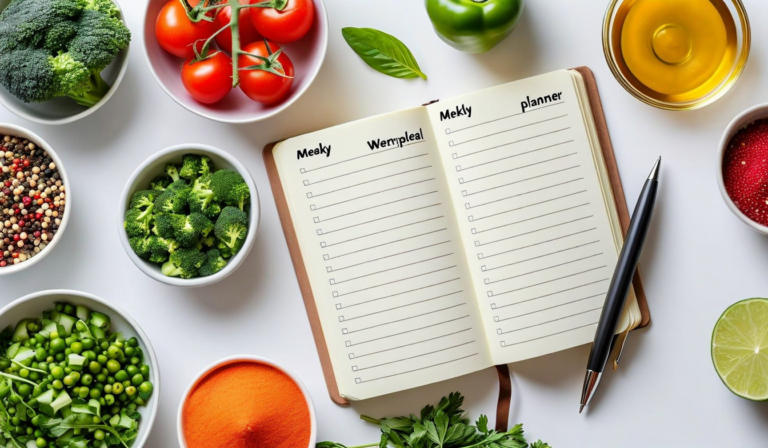
Our first working prototype was a clean 7-day grid: Monday through Sunday, three rows for breakfast, lunch, and dinner. You could tap a cell, type a meal name, and save. Simple. Logical. Completely useless in practice.
The problem: families don't eat in neat 7-day grids. Tuesday night is pizza because soccer runs late. Friday is leftovers. Sunday is brunch. The grid was honest about what we wanted meal planning to be, not what it actually is.
We scrapped the rigid structure after three weeks of testing. The core insight from that failure was that families need a system flexible enough to handle their reality, not a system that requires them to plan perfectly.
Version 2: Flexible Slots and Optional Meals
The second version introduced optional slots. You could plan dinner for the whole week and leave breakfasts blank. You could note "leftovers" as a valid meal. You could mark a day as "eating out" and the display would simply show that, removing any expectation of a home-cooked meal.
This was better — but it still required parents to actively open the Hearth app on their phones to update the plan. That friction was small, but small friction is enough to break a habit. We heard from test families: "We used it for two weeks, then we got busy and stopped updating it."
Habit formation in family tech is brutally unforgiving. If the overhead of maintaining a system exceeds the value it returns, families abandon it. Our job was to make the overhead nearly zero.
Version 3: Smart Suggestions and Carry-Forward
The version that shipped — the one Hearth families use today — introduced two key behaviors that reduced planning friction dramatically.
Smart Suggestions
Hearth learns from your meal history. After a few weeks of use, when you're planning Thursday's dinner, the app suggests meals you've eaten on Thursdays before, or meals that fit seasonal patterns. It's not an AI that invents recipes — it's a simple pattern engine that remembers what your family actually eats and surfaces it at planning time. Most families aren't looking for new ideas. They're looking for permission to do the same 15 meals they rotate through every month. Hearth makes that easy.
Carry-Forward
If you don't update a meal slot by Sunday evening, Hearth automatically carries forward your most recent plan for that day. This means the display never shows an empty slot — it shows either this week's plan or last week's, whichever is more recent. Families who don't update the plan still get a reasonable starting point. Families who do update get exactly what they planned.
This single feature — carry-forward — reduced plan abandonment in our test group by 60%. Turns out, "a slightly stale plan" is dramatically more useful than "no plan."
How It Looks on the Display
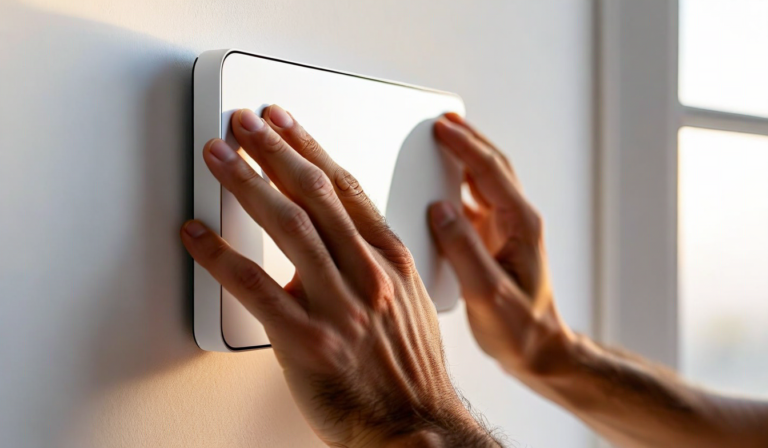
The display view is deliberately minimal. Each day shows tonight's dinner in the primary morning view — just the meal name, large enough to read at a glance. If you've planned breakfast and lunch, those appear in a secondary row. The visual design philosophy: one clear answer to "what are we eating?" without requiring anyone to navigate menus or unlock anything.
During our user research, we found that the single most-asked question in households before Hearth was "what's for dinner?" Having that answer on the wall — permanently visible, automatically updated — resolved a surprising amount of low-grade household tension. It sounds trivial. It really isn't.
What's Coming Next
We're currently testing grocery list integration: Hearth generates a suggested shopping list based on the week's meal plan, which you can edit and share with any family member. We're also piloting a simple "who's cooking tonight?" assignment that displays alongside the meal name — useful for households where cooking responsibilities rotate.
Neither feature will be mandatory. That's a design principle we hold firmly: Hearth works at every level of engagement. A family that uses only the meal display, without planning anything, still benefits. A family that plans every meal and assigns every cook gets a fully orchestrated kitchen operation. The system meets you where you are.
Want to see meal planning in action? Hearth's full feature set — including meal planning, shared calendar, kid routines, and rotating photos — is available on all plans.
Explore Hearth FeaturesThe Lesson We Keep Learning
Building family technology is humbling. Families don't use products the way product designers imagine. They adapt, forget, get busy, start over. The best tools aren't the most feature-complete ones — they're the ones that fail gracefully, have low overhead, and still provide value even when used inconsistently.
Hearth's meal planner is not the most powerful meal planning tool on the market. It's the one that doesn't require you to be a meal planner to use. For most families, that turns out to be exactly what's needed.