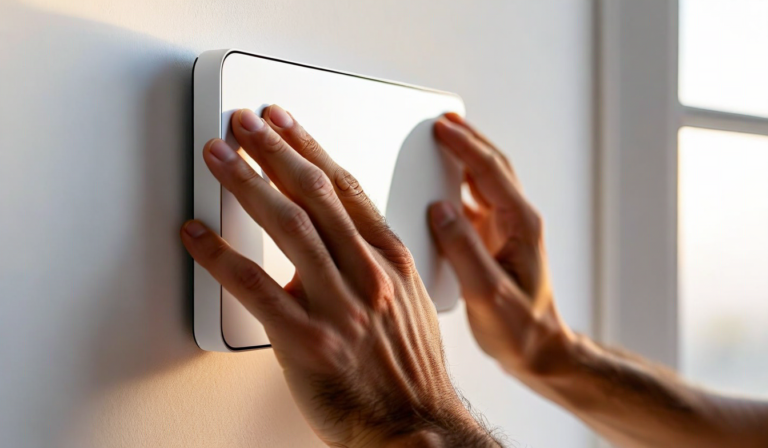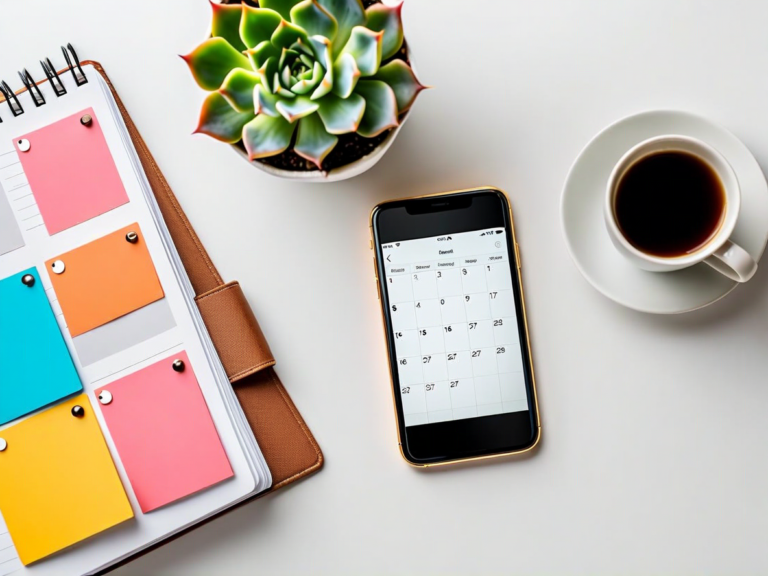
The smart display category has grown up fast. What started as glorified smart speakers with screens has expanded into a diverse market of purpose-built devices — some designed primarily for entertainment, some for voice assistant interaction, some for home control, and some, like Hearth, built specifically for family coordination.
Choosing the right one matters more than most buyers realize. A display that gets tucked into a corner because it doesn't fit the workflow costs as much as one that transforms your household. The wrong choice isn't just a wasted purchase — it's a missed opportunity to genuinely simplify your family's daily life.
This guide walks through the key decisions. It's not a brand comparison (we're biased, obviously), but an honest framework for thinking through what actually matters when a screen is going on your wall or kitchen counter for the next several years.
Start with Purpose, Not Specs
The biggest mistake people make when buying a smart display is leading with hardware specs — screen resolution, processor speed, speaker wattage. These matter, but they're the wrong starting point. The right starting point is: what do you want this display to do for your household?
The main use cases for home displays tend to fall into four categories:
- Entertainment: Video calls, streaming, music, smart speaker with a screen
- Home control: Smart home hub, security camera feeds, device automation
- Information display: Weather, news, photos, ambient information
- Family coordination: Shared calendar, routines, meal planning, household communication
Most displays do some combination of these, but very few do all of them well. A display optimized for entertainment will have great speakers and a slick video interface but a mediocre calendar experience. A family coordination display will excel at shared scheduling but may not be designed for Netflix browsing. Knowing your primary use case lets you evaluate options on the dimensions that actually matter.
Screen Size and Placement
Where you put the display determines what size you need. Get this wrong and nothing else works.
Kitchen or hallway (primary traffic area)
This is where family coordination displays deliver the most value. For a kitchen counter or wall mount at 5–8 feet of typical viewing distance, a 10–15 inch screen is the sweet spot. Large enough to read at a glance while cooking, compact enough not to dominate the space. If you're mounting in a hallway that the whole family passes through, you can go larger — a 15–21 inch display becomes a genuine information hub that people actually stop to check.
Living room
Larger displays (21 inch and up) work better in living rooms where the viewing distance is greater and ambient viewing is the intent. But most family coordination use cases don't belong in the living room — that's entertainment space. Unless your family's hub is actually the living room, think carefully before putting a coordination display there.
Bedroom or home office
Smaller displays (7–10 inch) work well on desks or nightstands for personal schedules, weather, and ambient information. These typically serve one person rather than the whole household.
Software Is the Product
Hardware is commoditized. The display panel, the processor, the speakers — these are all within a narrow competitive range at any given price point. What separates good displays from great ones is software: how the interface is designed, how easily it updates, what integrations are available, and how the experience evolves over time.
Ask these questions when evaluating any smart display:
- Does the interface work passively? The best family displays are readable at a glance without any interaction — like a well-designed wall clock. If you have to tap to see the day's schedule, you've added friction that will erode the habit.
- How does it handle multiple users? Family coordination requires that multiple people can contribute to a shared view. If only one account controls the display, it's not really a family display.
- What does the onboarding look like? A display that takes an afternoon to set up will cause most families to give up before it starts working. Target 15–30 minutes from unboxing to useful. Longer than that is a product design failure.
- How is the software maintained? Ask about the update history. A display with frequent, feature-adding updates signals an active product. One that hasn't been updated in 18 months is a maintenance signal you should take seriously.
Privacy: More Important Than Most Buyers Consider
A smart display with a camera and microphone is a sophisticated sensor in the center of your home. The privacy implications are real and worth thinking through before purchase.
Key questions to ask:
- What data is collected, and where is it stored? Some displays process everything locally; others send data to cloud servers for processing. Local processing is generally more private.
- Can the camera and microphone be physically disabled? Hardware mute buttons and camera covers are meaningful privacy features, not marketing gimmicks. They provide a guarantee that software alone cannot.
- What's the data retention policy? How long does the company store your household's data? Is it used for advertising or model training?
- Who owns the data if the company is acquired? This is an uncomfortable question, but smart home companies have a mixed track record of independence. Check the terms of service for data portability and deletion rights.
If a display's privacy policy is vague or difficult to find, treat that as a red flag. Companies that take privacy seriously make it easy to understand what they collect and why.
Integration: How Well Does It Play with Your Existing Tools?
Your family probably already has a digital life — Google Calendar, Apple Calendar, a school communication app, maybe a task manager. The right smart display integrates with what you already use rather than requiring you to migrate your whole system.
Native integrations are more reliable than third-party workarounds. Check specifically for:
- Calendar sync (Google, Apple, Outlook) — this is table stakes
- Reminder and task integration
- Weather data (most displays have this, but quality varies)
- Photo sync (Google Photos, iCloud, Dropbox are the main ones to look for)
- Smart home control if you have existing devices (Alexa, Google Home, Matter compatibility)
Avoid displays whose integrations depend on deprecated APIs or unofficial hacks. These stop working without warning and tend to break exactly when you rely on them most.
Build Quality and Mounting Options
A display that's going to live on your wall for 3–5 years needs to be physically robust. Things to check:
- Mounting hardware included? Some displays require proprietary mounts; others use standard VESA patterns. Standard VESA is worth paying extra for — it gives you flexibility and replacement options.
- Cable management: Does the mounting system allow for clean cable routing? A display with a dangling power cable looks unfinished and gets in the way.
- Portrait and landscape orientation: Can the display rotate? Calendar and schedule views often work better in portrait; some content prefers landscape. Flexibility matters.
- Display quality in ambient conditions: Test (or look for reviews of) how the screen looks in bright daylight, in a well-lit kitchen, and at night with overhead lighting. Auto-brightness is a useful feature; poor auto-brightness is actively annoying.
Total Cost of Ownership
The purchase price is usually not the most significant cost over the life of a smart display. Consider:
- Subscription fees: Many displays have free hardware with paid software features. Understand what you get without a subscription and what requires ongoing payment.
- Hardware longevity: How long does the company commit to software support? A display abandoned after 2 years of updates is effectively a brick with a nice screen.
- Replacement options: If the display fails, can you get a replacement? What's the warranty? What's the company's track record on hardware support?
| Feature | Entertainment-first | Home control-first | Family coordination-first |
|---|---|---|---|
| Shared calendar | Limited | Limited | Native |
| Multi-user management | Single account | Single account | Family profiles |
| Kids routines | Not included | Not included | Built-in |
| Ambient readability | Tap required | Tap required | Always-on dashboard |
| Streaming video | Excellent | Limited | Not focus |
| Smart home control | Basic | Excellent | Basic |
Built for families from the ground up. Hearth is designed specifically for household coordination — shared calendar, meal planning, kid routines, and family photos on one always-on display. Setup takes under 15 minutes.
See How Hearth WorksThe Right Display Is the One Your Family Will Actually Use
Every frame in this guide comes back to the same underlying question: will your family actually use it? A technically impressive display that gets ignored after three weeks costs the same as a simple one your kids check every morning before school. Adoption is the only metric that matters.
The displays with the highest adoption rates are typically the ones that are simplest to understand, require no active management to stay useful, and are placed where the family naturally gathers. A display in your kitchen that shows today's schedule, tonight's dinner, and tomorrow's weather will get more daily engagement than a sophisticated home control hub in the living room that requires a learning curve.
Make the simple choice. Put it where the family is. Make sure it shows what the family needs to know. Everything else is secondary.